

Import & Export help | BluePeacock
Choose sources, match columns, review and run imports; configure, download or schedule Shopify exports.
Choose a source
Upload CSV or Excel, enter a file URL, or connect FTP, SFTP, Google Drive, WebDAV or WooCommerce.
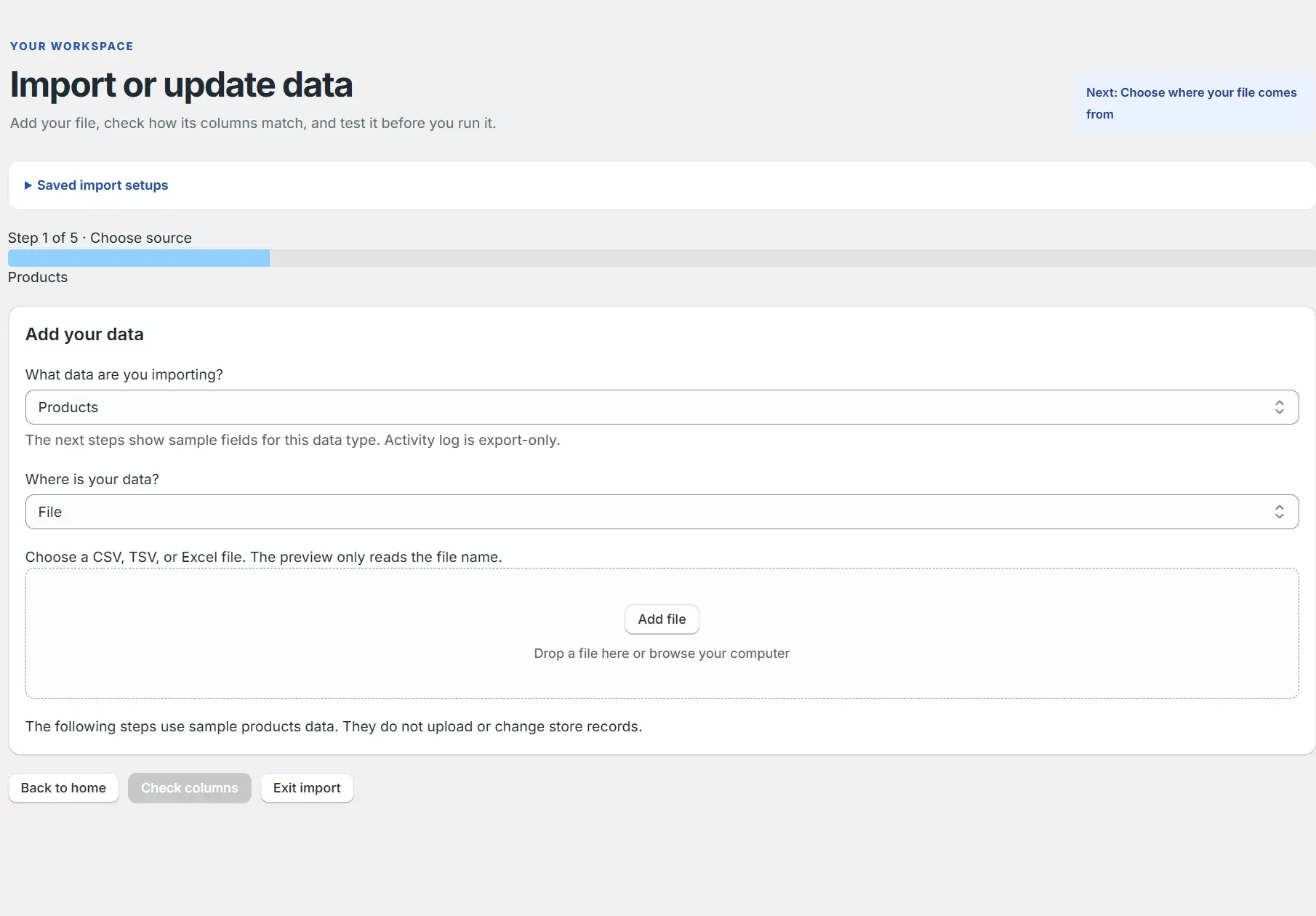
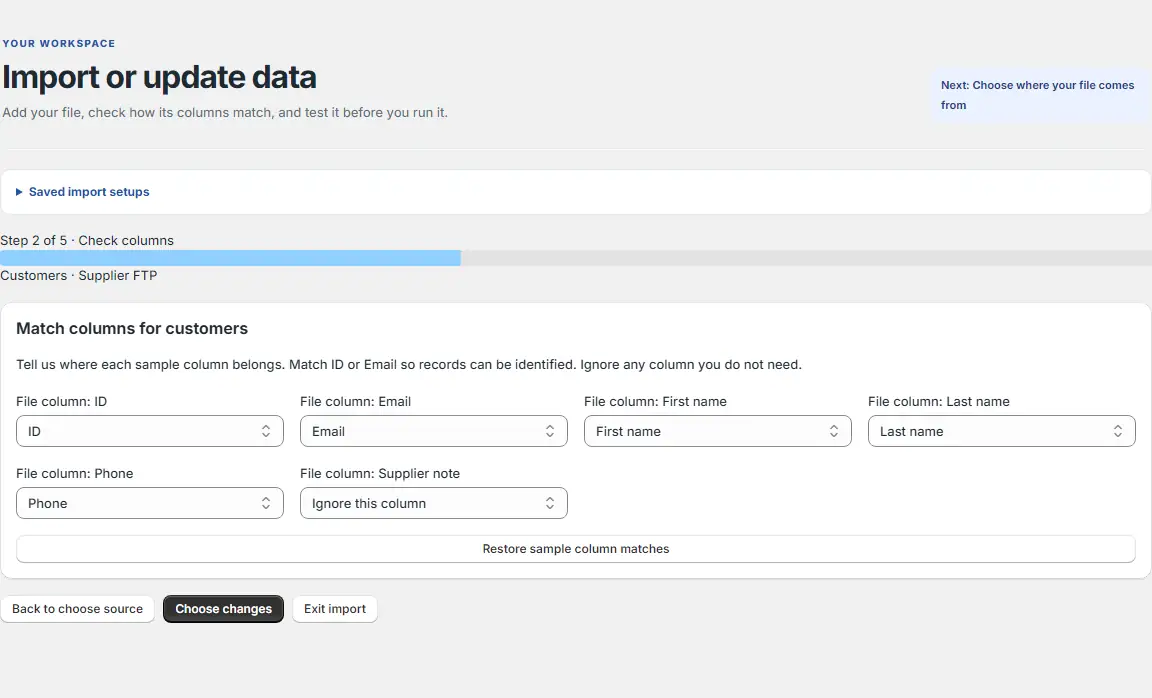
App interface preview with sample data Match columns
Map source columns to Shopify fields and ignore fields you do not need.
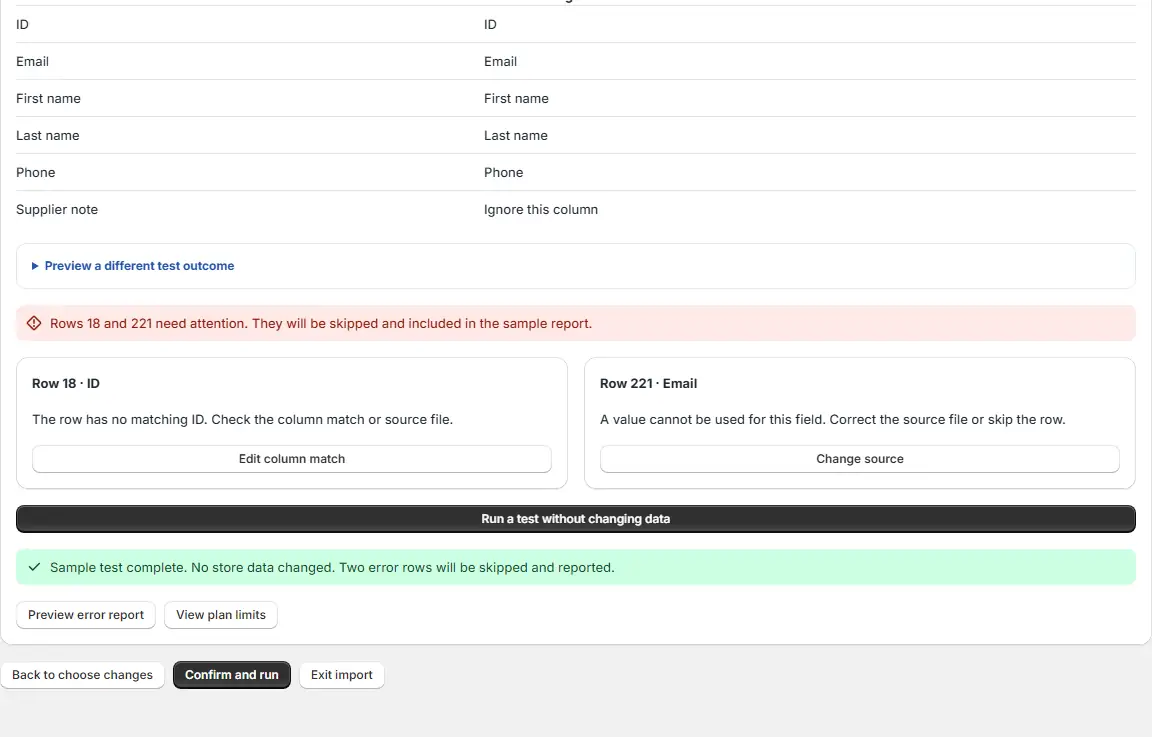
App interface preview with sample data Review changes
Check proposed changes and row errors before running the job.
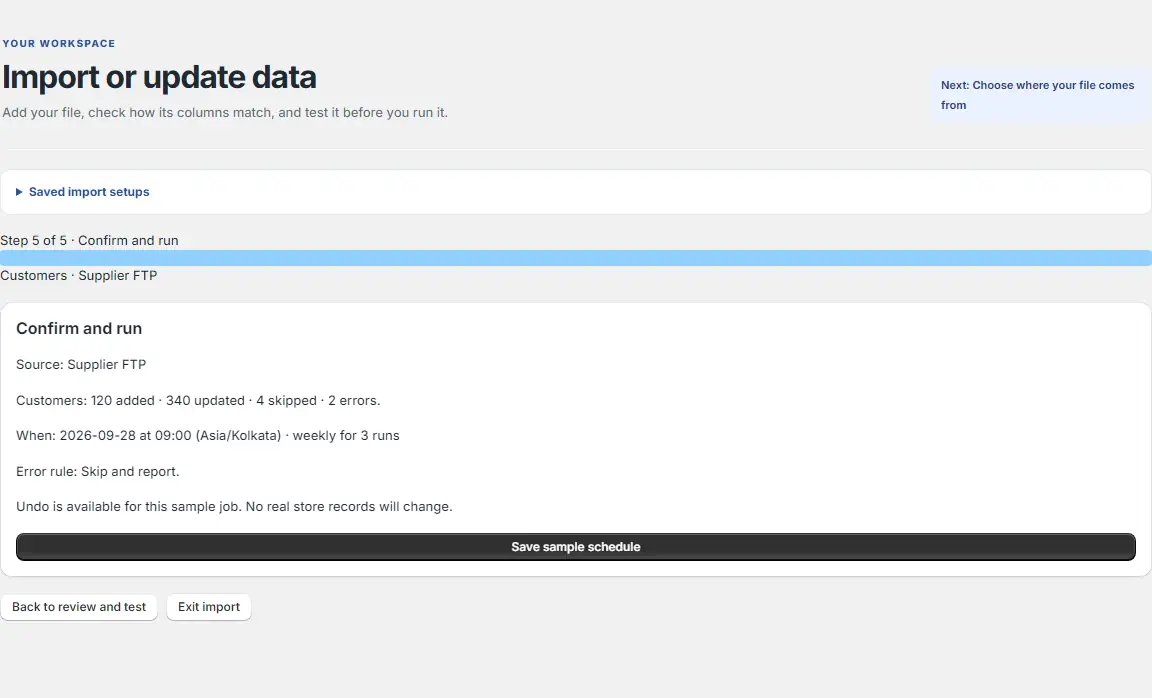
App interface preview with sample data Run the import
Confirm the job or set a schedule. BluePeacock saves old values before writing.
App interface preview with sample data Undo if needed
Restore previous values from a finished import in one click.
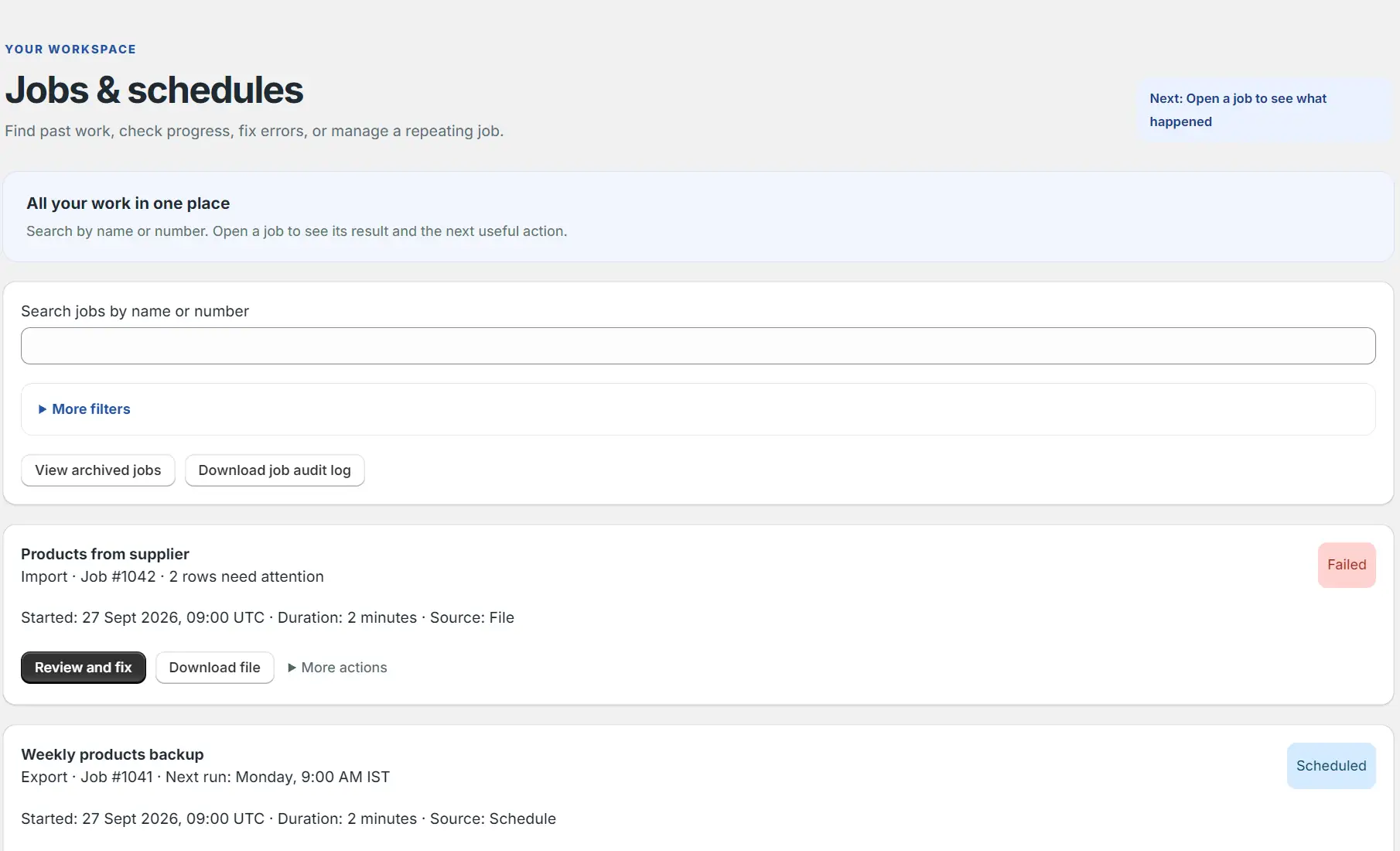
App interface preview with sample data
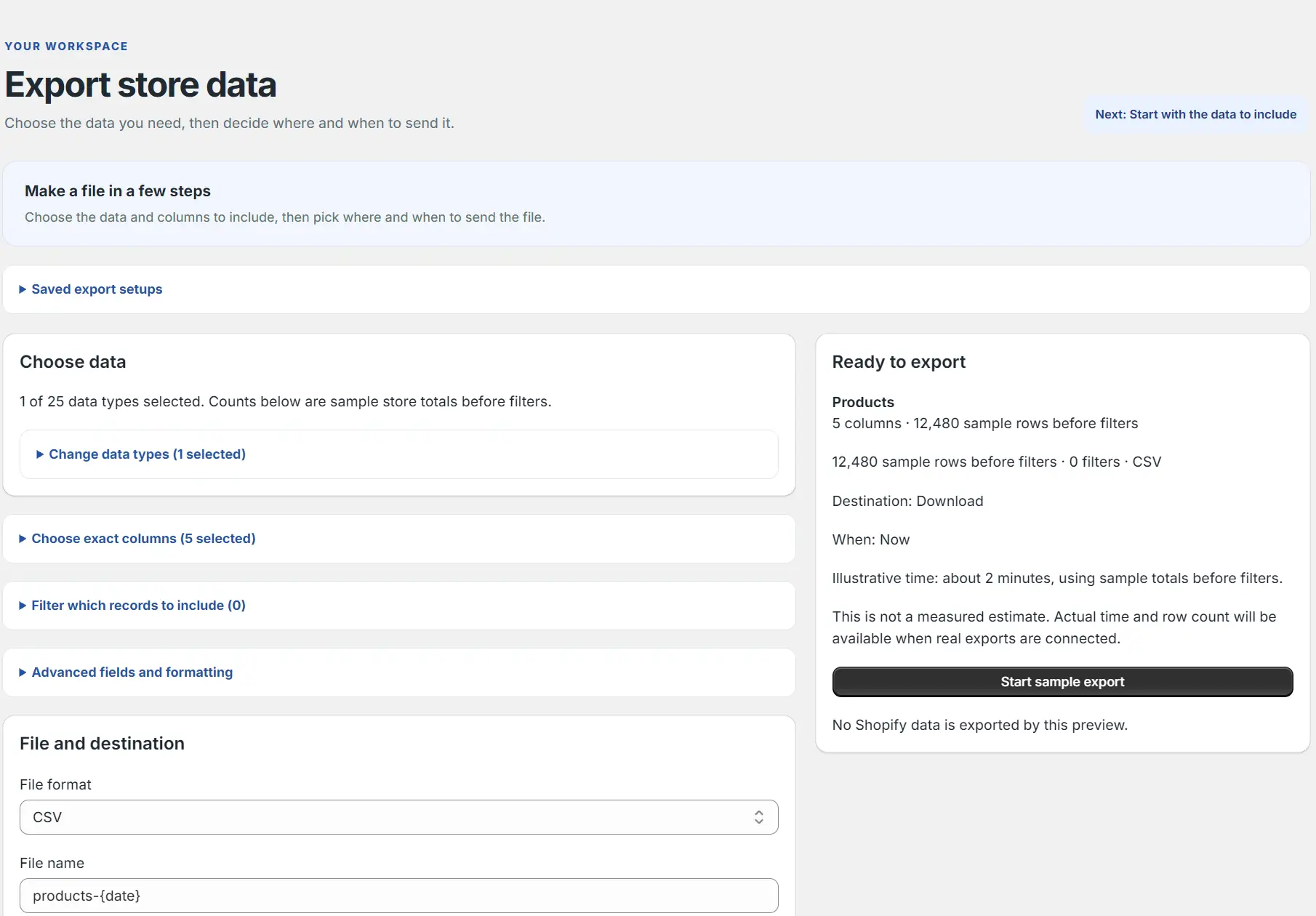
How an export works
Choose data
Select the store data types to export.
Select columns and filters
Choose fields, their order and filters for the rows you need.
Set format and destination
Choose CSV, Excel or Google Sheets and download or send the file to a connected destination.
Run or schedule
Start now or save a repeating export with a timezone and end condition.
Keep control of every change
Preview, saved old values and one-click undo are included across the planned tiers.
- Blank cells leave existing store values unchanged.
- A row without record identity is refused with its row, column and fix named.
- Re-running the same file makes no further changes.
- Search jobs, review errors, download files and audit logs, and manage scheduled work.
For help, email info@bluepeacock.in. The app is not yet on the Shopify App Store.
Back to BluePeacock Import & Export