

Bulk Import Gift Cards to Shopify
Bring your existing gift cards into Shopify from a CSV, Excel or TSV export. Every card keeps its original code, so cards already in your customers' hands still scan at checkout, and partly-used cards arrive at their exact remaining balance.
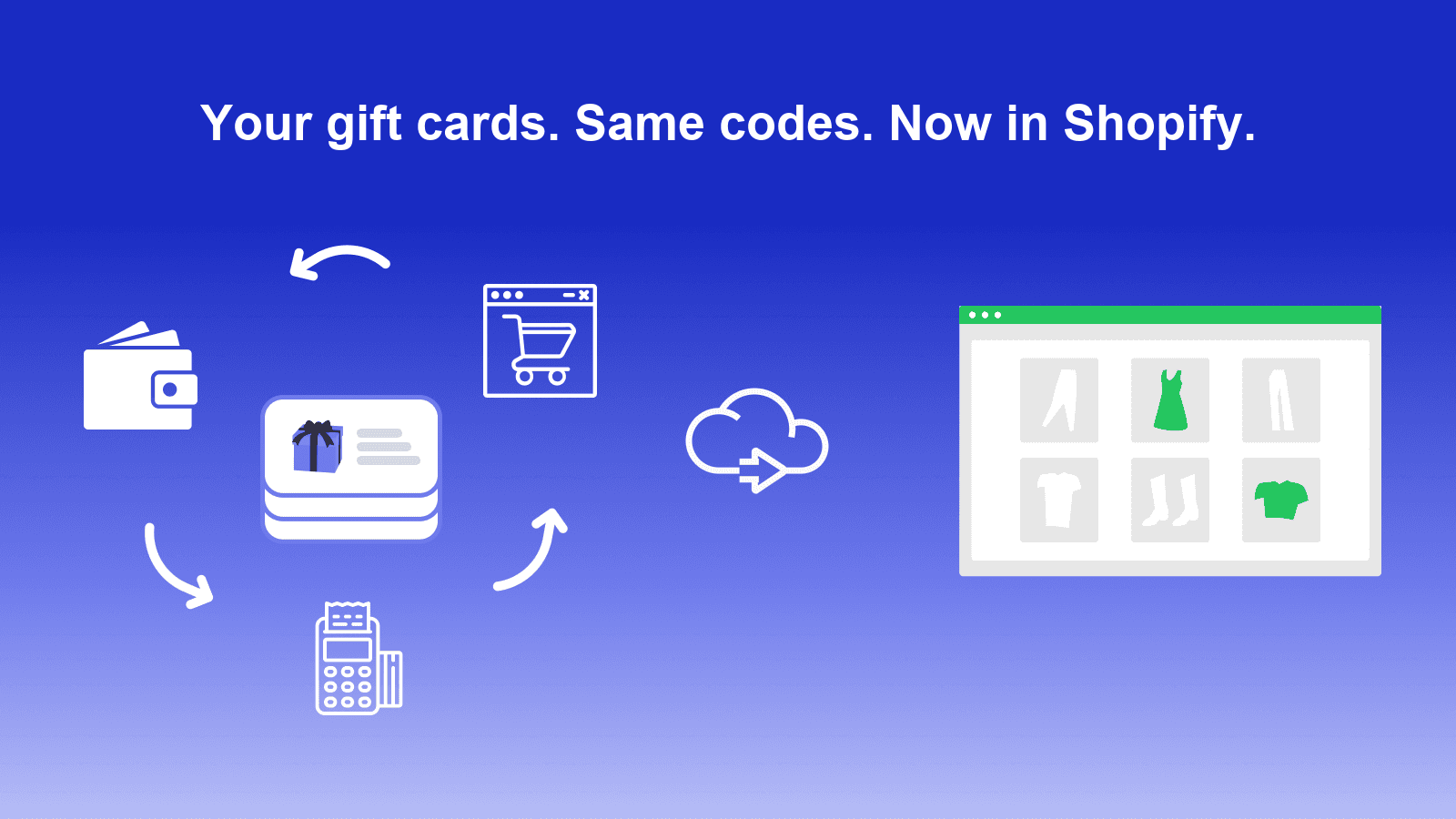
What the Shopify Gift Card Importer does
BluePeacock Gift Card Importer is a migration tool for Shopify merchants moving gift cards in from another platform. Every card keeps its original code, so a card printed before the move still scans at checkout, and partly-used cards are recreated at their exact remaining balance instead of being reset to face value. Expiry dates, internal notes and customer assignment come across with them. Shopify gift cards cannot be deleted once created, so every row is checked and editable before anything is written to your store.
- Original codes preserved
- Exact remaining balances
- CSV, Excel, TSV and TXT
- Fix every row before import
Don’t lose customers during a migration.
Moving sensitive data like gift cards is risky. If a gift card code, balance, or expiry date doesn’t work at checkout, you lose more than a sale, you lose trust.
We built this importer for the messy reality of gift card migration. Every row in your file is checked and editable before import, original codes and balances carry over as they are, and each card is recreated in Shopify from the data you approved.
Migration safety
Every row is checked and editable before import. Shopify gift cards cannot be deleted once created, so that preview is the only safety net there is.
Bulk import
Bring cards in from CSV, Excel, TSV or TXT exports, up to 10,000 rows per file, without altering codes or balances.
Auto-mapped fields
Instantly map and adjust fields for code, balance, initial value, expiry date, and notes during upload.
Tracking & logs
Full visibility with progress tracking, import history, and downloadable error reports.
How to import gift cards to Shopify in four steps
From your platform's export to gift cards live in Shopify, with codes and balances intact.
Upload your export
CSV, Excel, TSV or TXT from Square, Clover, Lightspeed or any custom system.
Check the column mapping
Columns are detected for you, and you can correct any of them before continuing.
Fix the flagged rows
Every row is validated and editable here. Nothing is written to your store yet.
Import and track
Live per-card progress, a downloadable activity log and full import history.
Manual migration
- • Repeated CSV re-uploads and column mismatches
- • Hidden duplicates and incorrect balances
- • No audit trail or error visibility
- • Hours lost to manual checks
BluePeacock Gift Card Importer
- • Auto-mapped fields with on-the-fly edits for existing gift card codes, balances, expiry dates, and notes
- • Every row validated and editable before import, with codes already in your store skipped
- • Full history, progress, and error logs for accurate, auditable migrations
- • Up to 10,000 cards per file, instead of re-keying them one at a time
Gift Card Importer technical specifications
| Feature | Capability |
|---|---|
| Source platforms | Square, Clover, Lightspeed, Toast, Vend, Rise.ai, or any custom export |
| File formats | CSV, XLSX, XLS, TSV and TXT - up to 10 MB and 10,000 rows per import |
| Data preserved | Original code (8-20 alphanumeric), initial value, remaining balance, expiry date, internal note, customer assignment |
| Column mapping | Source columns detected automatically, with click-to-edit corrections before import |
| Validation | Every row checked and fixable in a preview, with a downloadable error report; codes already in your store are skipped |
| Reporting | Live per-card progress, downloadable activity log and per-shop import history |
| Customer emails | Shopify-native gift card notifications, on or off per import |
| API | Shopify GraphQL Admin API |
| Import limits | 10 cards free in total, 250/month Starter, 2,500/month Business, unlimited Enterprise |
| Support | Email support on every plan; priority support with a 24-hour response on Business and Enterprise |
Rated 5.0 on the Shopify App Store
Here's what merchants have said after using Gift Card Importer for their own migration:
“Easy to use and the bulk load was seamless. The team was very helpful with a user error issue I had.”
“A lifesaver, extremely quick and easy to use. Saved me days of entering gift cards during my transition to Shopify.”
“Made bulk gift card imports way easier than I expected. Handled hundreds of cards with no major issues, and support replied fast.”
Moving gift cards from another platform?
Bring them in from Square, Clover, Lightspeed, Toast, Vend, Rise.ai or any custom export. Documentation and hands-on help are there when a migration gets complicated.
Email support on every plan • 24-hour priority response on Business and Enterprise
Choose Your Plan
Scalable pricing for businesses of all sizes. Upgrade as you grow.
Starter
Perfect for small boutiques & local shops.
Limit: 250 Cards / mo
- Import up to 250 cards per month
- Auto-map fields from CSV
- Real-time validation
- Email support
Business
The standard for growing professional brands.
Limit: 2,500 Cards / mo
- Import up to 2,500 cards per month
- Auto-map fields from CSV
- Real-time validation
- Priority support, 24h response
- Data preview & adjustments
Enterprise
High-volume migrations with priority support.
Limit: Unlimited
- Unlimited card imports
- Auto-map fields from CSV
- Real-time validation
- Priority support, 24h response
- Data preview & adjustments
- White-glove migration support
Frequently asked, quickly answered
Will my customers' existing gift card codes still work?
Yes. Each card is created with the code from your file instead of a new Shopify-generated one, so a card printed or emailed before the migration still scans and redeems at checkout.
What happens to cards that are only partly used?
They arrive at their true remaining balance. The card is created at its original face value and then adjusted to the amount left in your file, so a $100 card with $37 remaining comes across as $37.
Which file formats can I upload?
CSV, Excel (.xlsx and .xls), TSV and TXT, up to 10 MB and 10,000 rows per file. Column headers are detected automatically, and you can correct any mapping before importing.
Which platforms can I migrate from?
Any platform that exports its gift cards to a file. Merchants most often arrive from Square, Clover, Lightspeed, Toast, Vend and Rise.ai, and custom exports work just as well because the columns are mapped during upload.
Can an import be undone?
No - Shopify does not allow gift cards to be deleted once created. That is why every row is checked and editable in a preview before anything is written, and why we recommend a small test batch first.
What if a code in my file already exists in the store?
That row is skipped rather than overwritten, and it is recorded as skipped in the downloadable activity log so you can see exactly which cards were not created.
Do customers get an email when their gift card is imported?
Only if you want them to. Shopify's native gift card notification email can be turned on or off for each import, so you can migrate silently.
What else carries over besides the code and balance?
Initial value, expiry date, internal note and customer assignment all come across from your file, and every import is kept in your shop's import history.
Ready to move your gift cards to Shopify with codes and balances intact?